Trial to paid conversion
Upgrade a trial account, enter payment details, and confirm plan entitlements update in the UI.
Validate with confidence
Functional testing asks whether the product behaves according to requirements-can a user complete signup, apply a discount, or approve a request? For web apps, that means validating business rules through the UI.
Quick answer
Functional testing verifies that features work as specified, independent of internal code structure.
On a web application, functional tests exercise workflows: authentication, CRUD operations, billing, permissions, and integrations surfaced in the browser. Each case maps to a requirement or user story outcome.
Functional testing sits between unit tests (single functions) and broad non-functional concerns like performance or security. Teams often automate high-value functional paths while keeping exploratory testing for edge cases.
The workflow
Anchor functional coverage to real business outcomes and roles.
List capabilities that affect revenue, compliance, or retention-checkout, invoicing, role-based admin, trial conversion.
Define what admin, member, and guest should each be able to do. Role-based cases catch authorization gaps early.
Seed accounts, products, and limits that mirror production patterns so functional rules trigger correctly.
Record repeatable journeys in the browser; keep one-off edge cases for manual passes until they recur often enough to automate.
Tag cases with ticket or spec IDs so coverage gaps show up in release reviews.
In practice
Typical functional scenarios for SaaS and e-commerce web apps.
Upgrade a trial account, enter payment details, and confirm plan entitlements update in the UI.
Log in as a viewer and verify edit controls are hidden on settings pages.
Apply a percentage discount at checkout and assert order totals and tax lines recalculate.
Submit a request as an employee and approve it as a manager; confirm status transitions end-to-end in the browser.
Best practices
Functional suites stay trustworthy when they reflect how customers actually use the product.
Automate payment, auth, and data-export flows before nice-to-have admin screens.
Each functional case should set up its own data so order of execution never hides failures.
Readable step names help product and support validate behavior without reading code.
Execute functional suites on the build candidates stakeholders will sign off, not only on developer laptops.
From guide to repeatable system
Functional coverage grows when testers record business flows in plain language, group them in suites, and re-run the same journeys in cloud browsers on every release.
Compare Katalon vs QAlity API Testing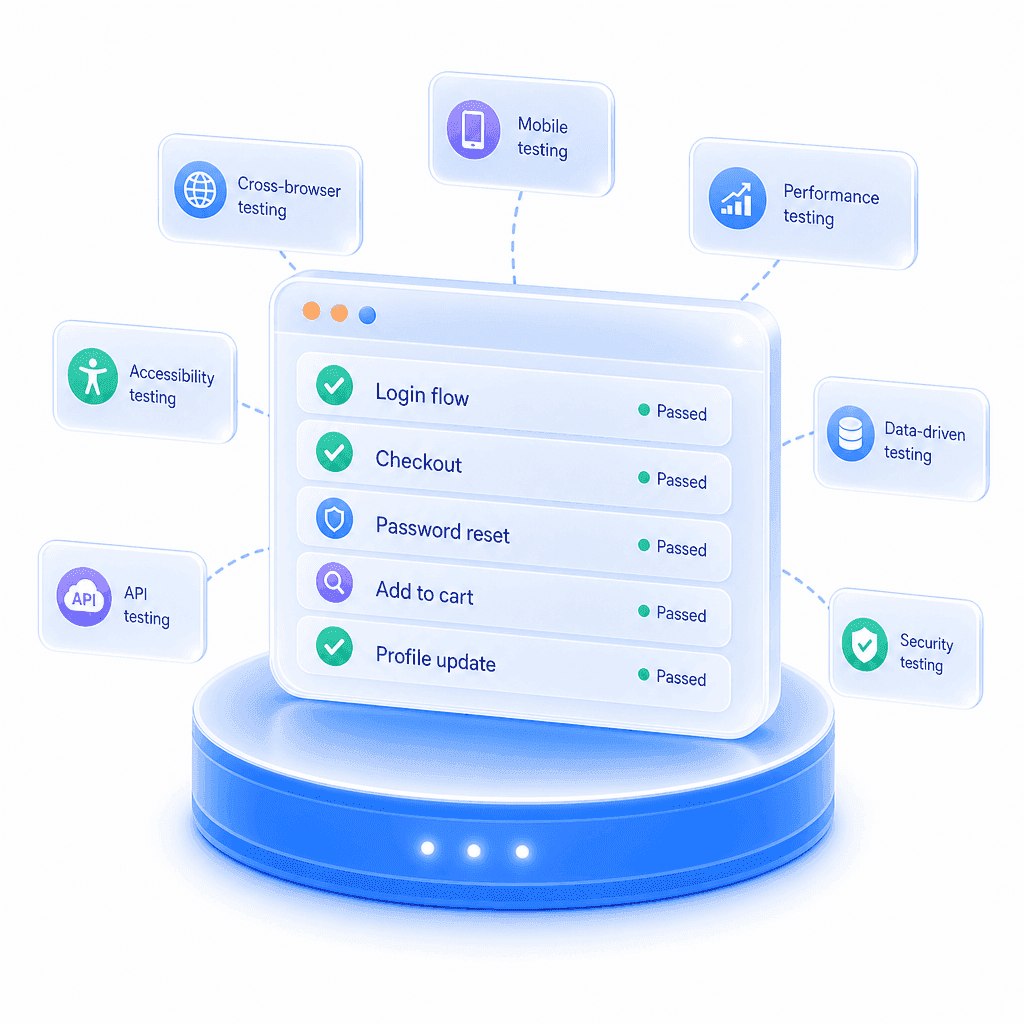
The challenge
Critical workflows live only in spreadsheets or tribal knowledge
How QAlity helps
Capture signup, billing, admin, and approval paths in the Chrome recorder. Each case documents what the product should do, not how WebDriver should find a button.
Chrome recorderThe challenge
Teams need more scenario coverage than time to hand-write scripts
How QAlity helps
Describe the next check in plain language and let AI suggest steps you refine visually, so functional breadth grows without a framework sprint.
AI step generationThe challenge
Functional suites must run against staging and production contexts
How QAlity helps
Organize cases and plans per environment so functional results reflect dev, staging, or production, not a mix of ad hoc bookmarks.
Multiple environments
 Questions, answered
Quick answers to the most common questions teams have before getting started with QAlity.
Functional testing validates that features meet requirements. Regression testing re-runs existing cases to ensure new changes did not break prior behavior. The same automated case often serves both purposes.
Yes. Testers and product owners record flows in the Chrome extension, refine steps visually, and run them in QAlity cloud without maintaining a Selenium or Playwright repository.
QAlity runs and schedules suites in its cloud workspace with execution reports and screenshots. It does not ship native CI/CD pipeline plugins; teams trigger runs from QAlity schedules or manually before release.
Start with one critical flow
Capture business journeys in the browser and expand coverage with AI step generation. No test framework required.