Date input fallback
Safari renders native date pickers differently; verify manual entry still submits valid ISO dates.
Expand with confidence
Cross-browser testing confirms your web app works for users on Chrome, Firefox, Safari, and Edge, not only on the developer's laptop. Layout engines, font rendering, and API support differ; testing in multiple browsers catches real-world gaps.
Quick answer
Cross-browser testing runs the same web scenarios across multiple browsers and versions to detect compatibility issues.
Modern web apps still hit differences in CSS support, date inputs, file uploads, and third-party widgets. Cross-browser testing focuses on journeys your analytics show matter-often checkout, signup, and document workflows-executed in each supported browser.
The goal is not to test every ancient browser forever, but to match your documented support matrix with automated evidence before releases.
The workflow
Avoid maintaining separate codebases per browser when one recorded flow can run everywhere.
List browser families, minimum versions, and desktop vs mobile web scope your product commits to.
Cross-browser automate signup, login, search, and checkout before long-tail admin screens.
Use one no-code flow executed per browser target instead of forked WebDriver projects.
When a step passes in Chrome but fails elsewhere, inspect visual evidence, not only error text.
Polyfill, CSS, and bundler changes are common cross-browser regression triggers.
In practice
Cross-browser issues automation commonly catches on web apps.
Safari renders native date pickers differently; verify manual entry still submits valid ISO dates.
Confirm navigation spacing on supported Edge versions matches design intent.
Run social login flows in Firefox with stricter tracking protection enabled.
Validate invoice print styles in Chrome and Firefox before sending to enterprise customers.
Best practices
Cross-browser programs fail when teams chase 100% duplication instead of user impact.
Test browsers your users actually use; drop extinct versions unless contracts require them.
Local laptops rarely install every target browser cleanly-cloud runs normalize environments.
Role- and label-based locators behave more consistently across engines than brittle XPath.
Tag failures by browser in run history to spot patterns instead of one-off noise.
From guide to repeatable system
Cross-browser coverage means one recorded flow executed in QAlity cloud across browser targets, not separate script forks for Chrome, Firefox, and Edge.
Compare Playwright vs QAlity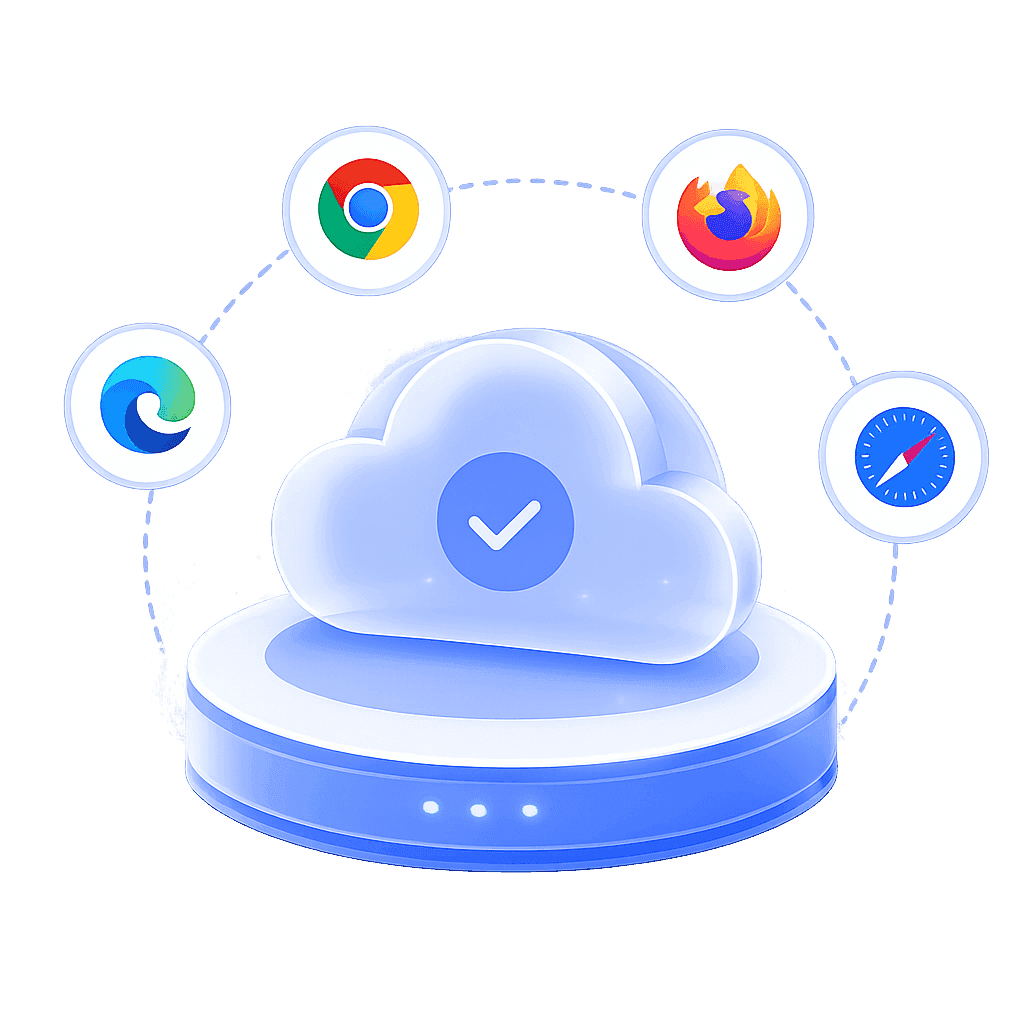
The challenge
Teams maintain parallel test codebases for each browser driver
How QAlity helps
Record once in Chrome, then execute the same case in QAlity cloud against the browsers your users actually use, with no duplicate WebDriver projects.
Cloud executionThe challenge
Browser-specific failures are hard to compare without consistent environments
How QAlity helps
When a step passes in Chrome but fails in Firefox, run history shows the divergence with screenshots, so you fix rendering or polyfill issues with evidence.
Execution history & reportsThe challenge
Local laptops cannot mirror the browser matrix QA promises
How QAlity helps
Runs execute on QAlity-managed browsers so cross-browser results are comparable run to run, not mixed with local extensions and version drift.
Cloud execution
 Questions, answered
Quick answers to the most common questions teams have before getting started with QAlity.
Yes. Record a flow once in Chrome, then execute it in QAlity cloud across supported browser targets with per-run execution reports and screenshots.
No. The same recorded web case runs against different cloud browsers-you maintain one flow, not parallel Selenium repos per engine.
No. QAlity automates web applications in desktop and mobile browsers only, not native iOS or Android applications.
Start with one critical flow
Record in Chrome, run cross-browser suites in QAlity cloud, and compare step-level results side by side.