Self-serve signup to first value
Register, verify email link, complete onboarding, and land on the primary workspace view.
Assure with confidence
End-to-end (E2E) testing validates complete user journeys across pages and systems as experienced in the browser, from first visit through a confirmed business outcome.

Quick answer
E2E testing exercises the application stack from the user's perspective, crossing UI, routing, auth, and persisted state.
A web E2E case might cover discovery, signup, onboarding, purchase, and confirmation email triggers visible in the product UI. Unlike isolated component tests, E2E catches integration mistakes between front-end routes, session handling, and backend behavior surfaced in the browser.
E2E suites are slower and more data-intensive than smoke or UI tests, so teams prioritize a handful of golden paths and automate them with tools that keep steps readable and failures diagnosable.
The workflow
Start with journeys that define product success, then harden them for repeat cloud runs.
Automate signup-to-activation, purchase, or submit-and-approve flows before edge admin tools.
Walk the path once in a browser recorder instead of hand-coding brittle multi-page scripts.
Dedicated tenants prevent E2E collisions when suites run in parallel overnight.
Check state after login, cart, payment, and confirmation so failures pinpoint the broken hop.
Bundle golden paths into release plans that run on cadence, not only before major launches.
In practice
End-to-end journeys web teams automate first.
Register, verify email link, complete onboarding, and land on the primary workspace view.
Search catalog, add items, apply shipping, pay, and view order confirmation history.
Customer submits ticket, agent responds in admin, customer sees resolution in portal.
Cancel plan, confirm retention offer UI, and verify billing status updates across account pages.
Best practices
E2E automation scales when failures are easy to diagnose and flows resist UI churn.
Ten reliable golden paths beat fifty flaky mega-scripts nobody trusts.
Open the failing step's screenshot instead of replaying forty minutes manually.
Login and navigation chrome changes often-healing reduces E2E maintenance spikes.
Smoke catches deploy catastrophes; E2E catches integration regressions smoke cannot see.
When onboarding redesigns ship, update E2E the same sprint, not after customer complaints.
From guide to repeatable system
E2E automation succeeds when journeys are recorded as users actually click-through, grouped in plans, and re-run in the cloud with Auto-Heal handling UI drift along the way.
Compare Cypress vs QAlity API Testing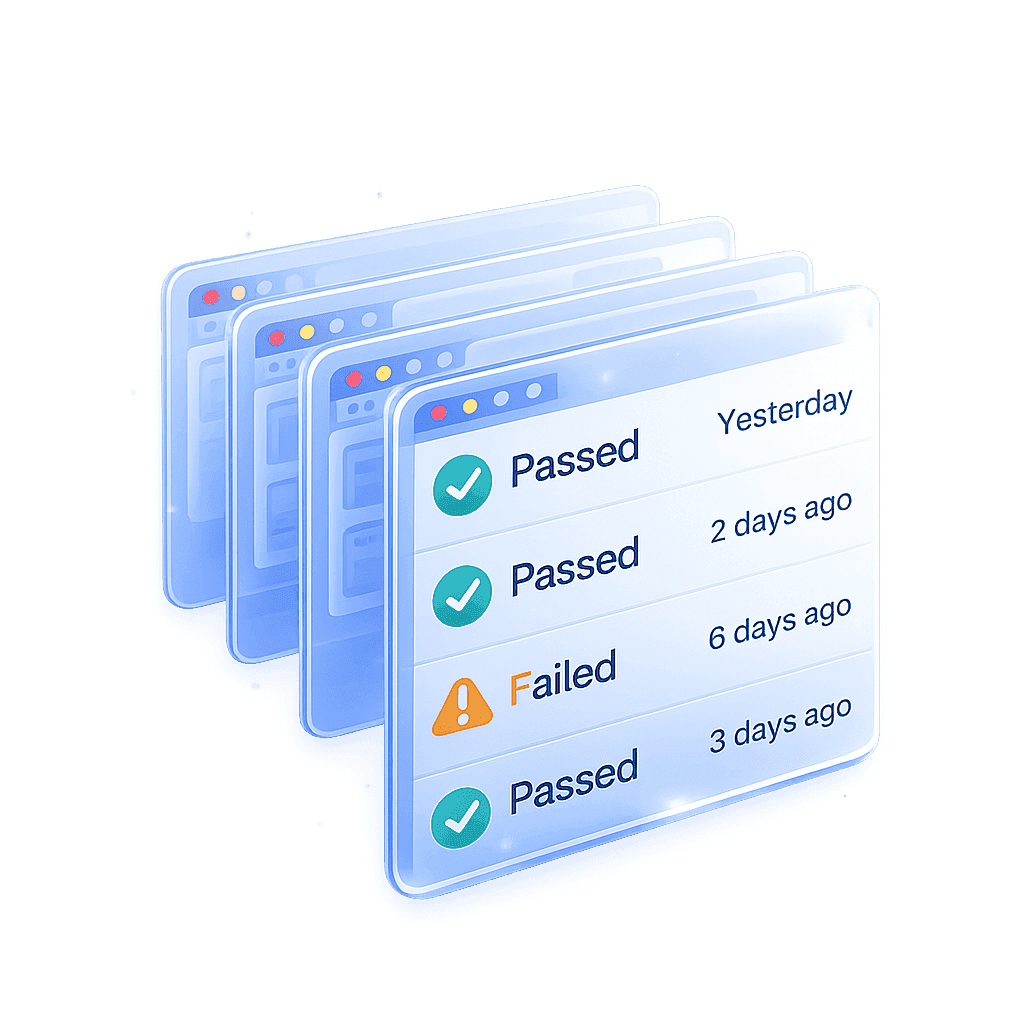
The challenge
Long E2E scripts break on the fifth step and waste hours to debug
How QAlity helps
Each E2E run records pass/fail per step with screenshots. You open the failing hop-"Payment confirm"-instead of re-running a forty-step mystery.
Execution history & reportsThe challenge
Building E2E coverage from scratch means weeks of framework work
How QAlity helps
Walk the signup-to-activation or order-to-fulfillment path once with the Chrome recorder. QAlity turns clicks into reusable steps immediately, with no Page Object layer first.
Chrome recorderThe challenge
E2E suites need to run on every release without manual orchestration
How QAlity helps
Bundle journeys into release plans and schedule cloud execution so E2E gates happen on cadence, not when someone remembers to start a local run.
Scheduling
 Questions, answered
Quick answers to the most common questions teams have before getting started with QAlity.
Integration tests often hit APIs or services directly. E2E tests drive the product through the UI like a user, covering routing, sessions, and visible outcomes together.
Yes. The Chrome recorder follows clicks across pages and turns them into reusable steps. Run full journeys in QAlity cloud with execution reports per step.
QAlity schedules and runs E2E plans in its cloud with reports and screenshots. It does not provide built-in CI/CD pipeline integrations-teams coordinate release timing from QAlity schedules or manual triggers.
Start with one critical flow
Capture full browser journeys, run them on schedule in the cloud, and diagnose failures step by step.